
How to Add Supabase, Vercel, and RevenueCat MCP Servers to Claude Code
How I wired Supabase, Vercel, and RevenueCat into Claude Code via MCP while building Council, with the exact setup for each.
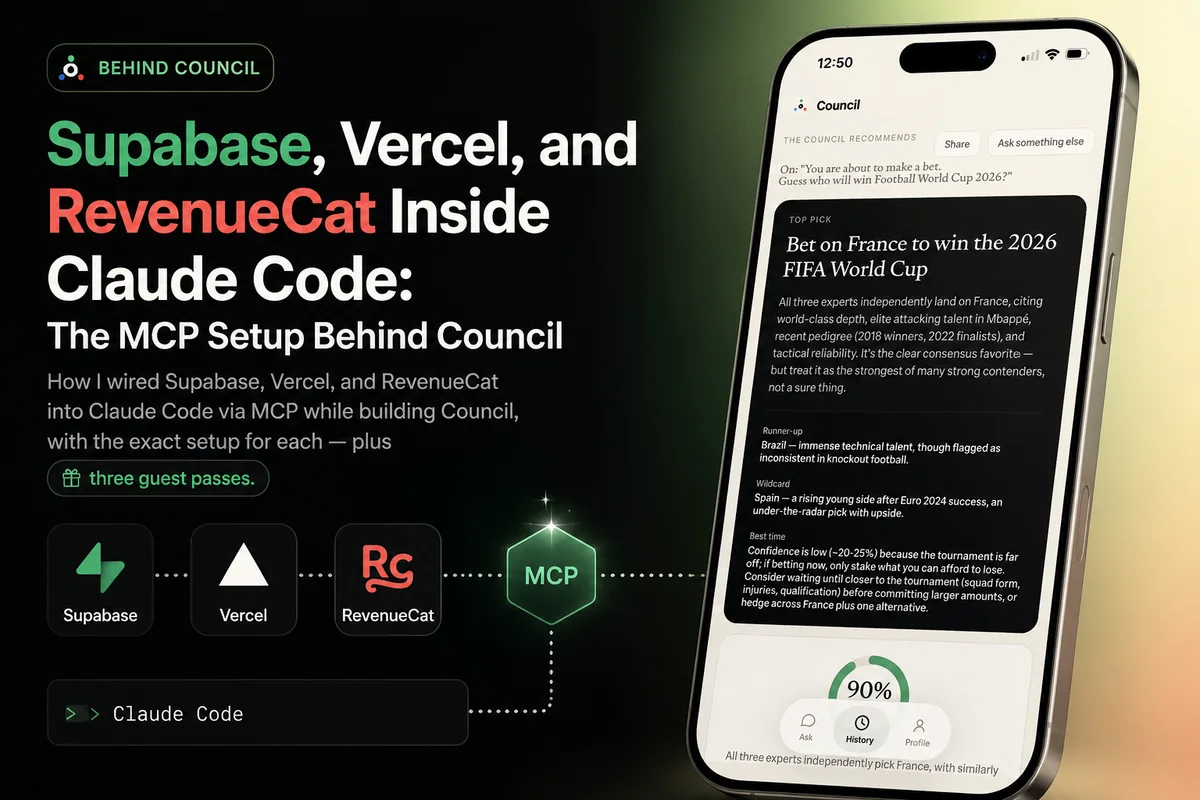
When I wrote up how Council is built, I focused on the architecture: one Next.js + Supabase backend, a web app, an Expo app, two payment providers reconciled into one subscription table. What I didn’t cover is how it got built day to day — and the honest answer is that a surprising share of the work never happened in an editor at all. It happened in dashboards: the Supabase SQL editor, the Vercel deployments page, the RevenueCat product catalog.
MCP (Model Context Protocol) is what folded those dashboards into my terminal. It’s an open standard that lets tools expose their APIs to an AI assistant, and Claude Code speaks it natively. Once Supabase, Vercel, and RevenueCat were connected, “check the schema”, “look at the deploy logs”, and “create the iOS products” stopped being tab-switches and became sentences. This post is the setup for all three, exactly as Council uses them.
How to add the Supabase MCP server to Claude Code
There is also a dedicated, shorter walkthrough of the Supabase setup with the current OAuth and access-token routes.
Supabase ships a hosted MCP server, so there’s nothing to install. It goes into the project’s .mcp.json (checked into the repo, so every session gets it):
{
  "mcpServers": {
    "supabase": {
      "type": "http",
      "url": "https://mcp.supabase.com/mcp?project_ref=<your-project-ref>"
    }
  }
}
Or let Claude Code write that same entry for you:
claude mcp add --scope project --transport http supabase "https://mcp.supabase.com/mcp?project_ref=<your-project-ref>"First use triggers an OAuth login in the browser, and that’s the whole setup. Two details matter more than they look:
- Scope it with
project_ref. Without it, the MCP can see every project in your Supabase org. With it, Claude can only touch this project’s database. If you work on several products from neighboring folders (I do), this is the difference between “assistant with access to one database” and “assistant with access to all of them.” - Allowlist the read-only tools. In
.claude/settings.json, Council permitslist_tablesandlist_migrationswithout prompting, while anything that writes still asks. More on this below.
What it’s actually like in practice: while building the sessions feature, I could ask “what does the sessions table look like right now, and is there an index on anon_id?” and get an answer sourced from the live database, not from a possibly-stale migration file. Schema checks, quick read queries, log spelunking after a failed webhook, the security advisors that flag missing RLS policies — all of it without leaving the conversation where the code is being written. Claude Code cross-referencing a migration file against the actual deployed schema and catching a drift is the kind of thing that used to require me being suspicious enough to check.
How to add the Vercel MCP server to Claude Code
Vercel also runs a hosted MCP endpoint. One command registers it:
claude mcp add --transport http vercel https://mcp.vercel.comLike Supabase, it authenticates via OAuth on first use. Vercel additionally ships an official Claude Code plugin that layers skills on top of the MCP — /vercel:deploy, /vercel:env, /vercel:status — so common flows are one slash command instead of a paragraph of instructions.
Council’s production deploy is a repo script (npm run deploy:web), but everything around the deploy is where the integration earns its keep: checking why a preview build failed and reading its logs, diffing environment variables between local .env.local and what production actually has, confirming a deployment picked up a new env var before debugging “why is this key undefined” for twenty minutes. Environment drift between local and production is one of those bug classes that’s trivial when you look and maddening when you don’t — and now looking costs one sentence.
How to add the RevenueCat MCP server to Claude Code
There is also a dedicated, shorter walkthrough of the RevenueCat setup with the current plugin commands.
This one surprised me the most. RevenueCat has both a hosted MCP server and an official Claude Code plugin (the plugin is the nicer route — it bundles skills for common jobs like paywall integration and sandbox testing). The hosted server authenticates with a project-scoped v2 secret API key:
claude mcp add --transport http revenuecat https://mcp.revenuecat.ai/mcp \
  --header "Authorization: Bearer sk_..."
Anyone who has set up in-app purchases knows the dance: products, entitlements, offerings, packages, each created in the right order, each referencing the others, spread across dashboard screens. With the MCP connected, Council’s mobile subscription catalog was set up as a dialogue — “create a pro entitlement, attach the monthly and annual products, put them in a default offering” — with Claude Code doing the clicking-equivalent through the API and reading back the state to verify it. It can also check store-submission state for products and pull revenue metrics, which turns “how are trials converting” into a question rather than a reporting session.
For Council specifically this pairs with the architecture from the previous post: RevenueCat webhooks land in the same Supabase subscriptions table Stripe writes to. Which means one assistant, connected to both ends, can trace a purchase from the RevenueCat event all the way to the row that gates the paywall. Debugging across two SaaS boundaries in one conversation genuinely feels like cheating.
Permission hygiene: reads are free, writes ask
The part I’d urge anyone to copy: MCP tools go through the same permission system as everything else in Claude Code, and it’s worth spending five minutes shaping it. Council’s .claude/settings.json allowlists the harmless, read-only tools so they never interrupt the flow:
{
  "permissions": {
    "allow": [
      "mcp__supabase__list_tables",
      "mcp__supabase__list_migrations",
      "mcp__plugin_RevenueCat_RevenueCat__list-projects",
      "mcp__plugin_RevenueCat_RevenueCat__list-products",
      "mcp__plugin_RevenueCat_RevenueCat__get-product-store-state"
    ]
  }
}
Everything that mutates state — SQL that writes, product creation, deployments — still prompts. That split is what makes the whole setup comfortable: the assistant can look at production freely and touch production only with my thumb on the button.
The part where I compliment the tool, because it earned it
I’ve tried a lot of AI coding tools, and Claude Code is the one that stopped feeling like a tool. Part of that is the model, but a bigger part is this exact integration story: it meets your stack where it lives. The MCP servers above, the permission system that makes them safe, skills that package your team’s workflows, plugins from the vendors themselves — it composes like good infrastructure, not like a demo. Council is a two-app product with a real backend, real payments, and real app-store releases, built solo, and I don’t think the solo part would have been true without it. It’s the closest thing I’ve had to a colleague who has read every dashboard, remembers every schema, and never gets tired of being asked “wait, why is this env var missing?”
Connect it to whatever your Supabase/Vercel/RevenueCat equivalents are, and give it a real task, not a toy one. That’s when it clicks. And if you’re building something like Council — web app, mobile app, one backend, real subscriptions — get in touch; shipping products like that end to end is what I do.