
How to Add the RevenueCat MCP Server to Claude Code
Two commands connect RevenueCat to Claude Code: the official plugin or the hosted MCP server. OAuth versus API key, how to check it works, and which tools to allowlist.
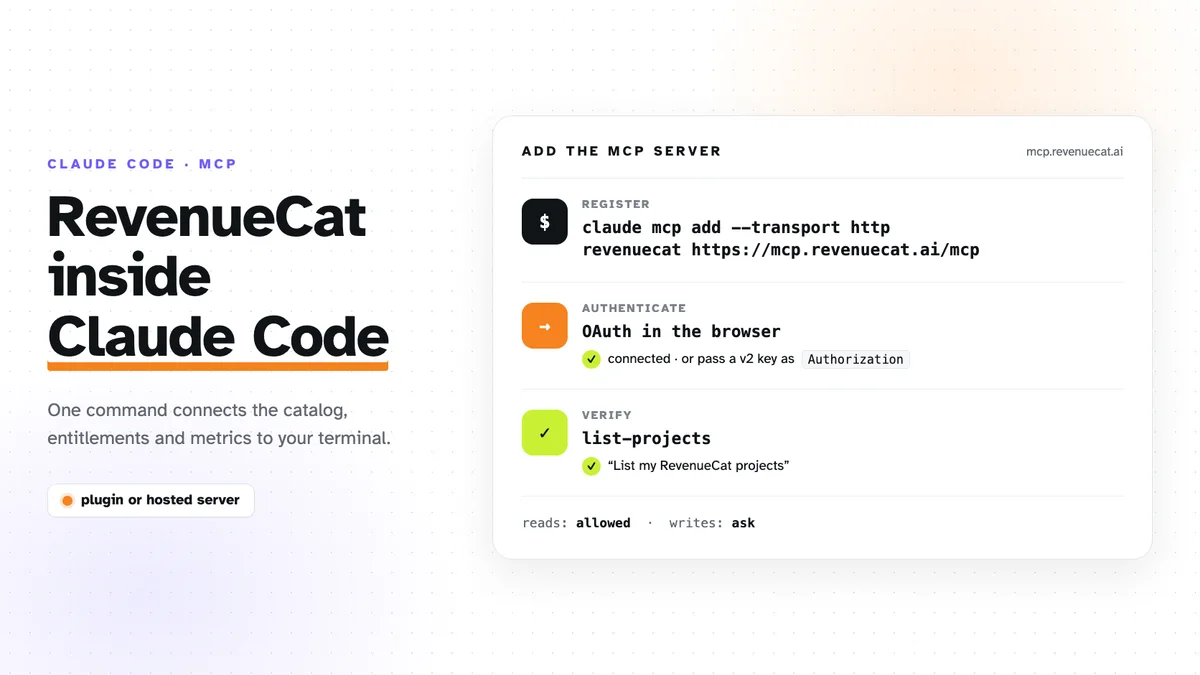
RevenueCat runs a hosted MCP server at https://mcp.revenuecat.ai/mcp, and
Claude Code can talk to it after one command. There are two ways to connect
it: the official plugin, or the bare server. This is the short version of
both. I use it on Council, and the wider setup
with Supabase and Vercel is in
the three-server post.
Option 1: the RevenueCat plugin
RevenueCat’s own docs recommend this route for Claude Code. It registers the MCP server and adds skills on top of it, for jobs like integrating the SDK, building a paywall, and troubleshooting empty offerings:
claude plugins marketplace add RevenueCat/ai-toolkit
claude plugins install revenuecat
Tools installed this way are named
mcp__plugin_RevenueCat_RevenueCat__<tool>. That prefix matters later, when
you write permission rules.
Option 2: the hosted MCP server on its own
If you only want the tools and no skills:
claude mcp add --transport http revenuecat https://mcp.revenuecat.ai/mcpNothing is installed locally. The server is remote, and Claude Code calls it over HTTP.
OAuth or an API key
OAuth is the default and what RevenueCat recommends. The first time
Claude Code uses the server, a browser window opens, you log in to
RevenueCat and grant access. Run /mcp inside Claude Code to start that
login yourself or to see the connection state. There is no key to store.
An API v2 secret key works everywhere, including clients without OAuth support. Create one under API Keys in the RevenueCat dashboard and pass it as a header:
claude mcp add --transport http revenuecat https://mcp.revenuecat.ai/mcp \
  --header "Authorization: Bearer sk_..."
Three things to get right with a key:
- Pick the permission on purpose. A read-only key is enough to inspect products, offerings and metrics. Creating or changing anything needs a write-enabled key.
- Make a dedicated key for MCP. You can revoke it without touching the one your backend uses.
- Keep it out of the repository. Don’t add the server with
--scope projectwhen it carries a key: that scope writes.mcp.json, which is meant to be committed.
Check that it works
Ask for something read-only:
List my RevenueCat projects.
Claude Code should call list-projects and return your project names. If it
answers from memory instead, the server isn’t connected: /mcp shows why.
What it can do
The server covers most of the dashboard. The groups I reach for:
| Area | Example tools |
|---|---|
| Products and prices | list-products, create-product, get-product-store-state |
| Entitlements | create-entitlement, attach-products-to-entitlement |
| Offerings and packages | create-offering, create-packages, attach-products-to-package |
| Customers | get-customer, list-subscriptions |
| Metrics | get-overview-metrics, get-chart-data |
There are also tools for paywalls, experiments, targeting, virtual currencies and webhooks.
The part that paid off for Council was catalog setup. In-app purchases need
products, entitlements, offerings and packages, created in the right order
and each pointing at the others. With the server connected, that was one
request: create a pro entitlement, attach the monthly and annual products,
put them in a default offering. Claude Code made the calls and then read the
state back to confirm it.
Allowlist the reads, keep the writes asking
MCP tools go through Claude Code’s normal permission system. Council’s
.claude/settings.json lets the harmless read-only tools run without a
prompt:
{
  "permissions": {
    "allow": [
      "mcp__plugin_RevenueCat_RevenueCat__list-projects",
      "mcp__plugin_RevenueCat_RevenueCat__list-products",
      "mcp__plugin_RevenueCat_RevenueCat__get-product-store-state"
    ]
  }
}
Everything that creates, updates or submits still prompts. With the bare
server from option 2, the names are mcp__revenuecat__<tool> instead.
If you’re building a subscription product across web and mobile and want it shipped end to end, get in touch.