
How I Got This Site to a Perfect Lighthouse Score
The exact, short checklist that took this site from a solid Lighthouse score to a perfect 100 across Performance, Accessibility, Best Practices, and SEO.
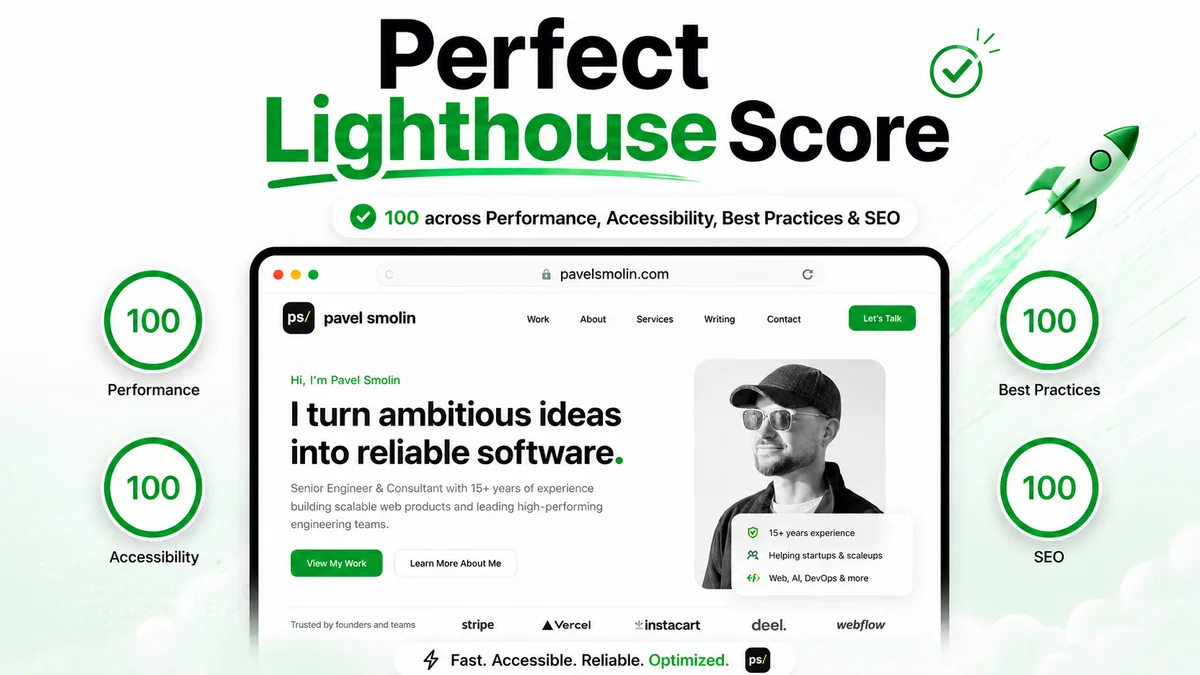
Getting a Lighthouse report to show four green 100s on a real page, not a stripped-down demo, took a specific, short list of fixes rather than a vague “optimize everything” effort. Here is exactly what moved the needle on this site.
Start with the structural basics
Before touching performance, the on-page fundamentals need to be right: a real per-page title and meta description, a canonical URL, Open Graph and Twitter Card tags, and a JSON-LD Person/WebSite graph. None of this is exotic, but it has to be dynamic per page, not copy-pasted from one template. If the site supports multiple languages, add hreflang alternates and an x-default tag too, generated from one source of truth instead of hand-duplicated per page.
Kill the one big image mistake
The single biggest performance win here was replacing four raw iPhone screenshots (1284×2778px PNGs, 456KB to 1.3MB each) with Astro’s <Image> component: WebP output, explicit width/height so the browser reserves layout space before the image loads, and a size that actually matches how large the image renders on the page. Those four images alone dropped from a combined 3.5MB to under 200KB.
<Image src={Hook} width={600} format="webp" quality={80} alt="..." />Fix the responsive image sizes lie
A sizes="100vw" attribute is only correct if the image genuinely spans the full viewport width. On this site it sits inside a padded container, so the real width is 100vw minus that padding. Getting this wrong does not just cost points in a lab test, it makes the browser fetch a bigger image than necessary on every real visit:
sizes="(min-width: 1024px) 34vw, calc(100vw - 2.5rem)"Stop shipping a render-blocking stylesheet
A small, 7.8KB external CSS file was adding a full network round trip to the critical rendering path before the page could paint anything. Astro can inline it directly into the HTML instead of linking it:
// astro.config.mjs
export default defineConfig({
  build: { inlineStylesheets: 'always' },
});
One line, and the render-blocking request disappears entirely from the network waterfall.
Defer anything third-party
Analytics scripts are the classic case: they do not need to run before a visitor has even seen the page. The dataLayer/gtag stub loads immediately so no events are lost, but the actual gtag.js script only loads on first interaction (click, key press, scroll, touch) or a few seconds after the page finishes loading, whichever comes first. That keeps a third-party script from ever competing with the page’s own first paint.
Add the structured data extras
BreadcrumbList on interior and blog pages, and a sameAs array on the Person node pointing at real LinkedIn and GitHub profiles, are both cheap additions with a real, if modest, payoff: better rich-result eligibility and a stronger signal that this is an identifiable person, not an anonymous page.
Watch for platform surprises
The most surprising find was not in the code at all. Cloudflare Pages has a “Managed robots.txt” toggle, under AI Crawl Control, that silently layers Disallow rules for GPTBot, ClaudeBot, Google-Extended, and a handful of other AI crawlers on top of whatever robots.txt the site actually serves. It does not touch regular search indexing (Googlebot and Bingbot are unaffected), but it does mean AI-powered answer engines cannot see the content at all unless that toggle is turned off deliberately. Worth checking regardless of which platform something is deployed on: the file a browser sees is not always the file in the repo. Cloudflare can also create Search Console errors on its own; two of them, and the fixes, are in a separate post.
The result
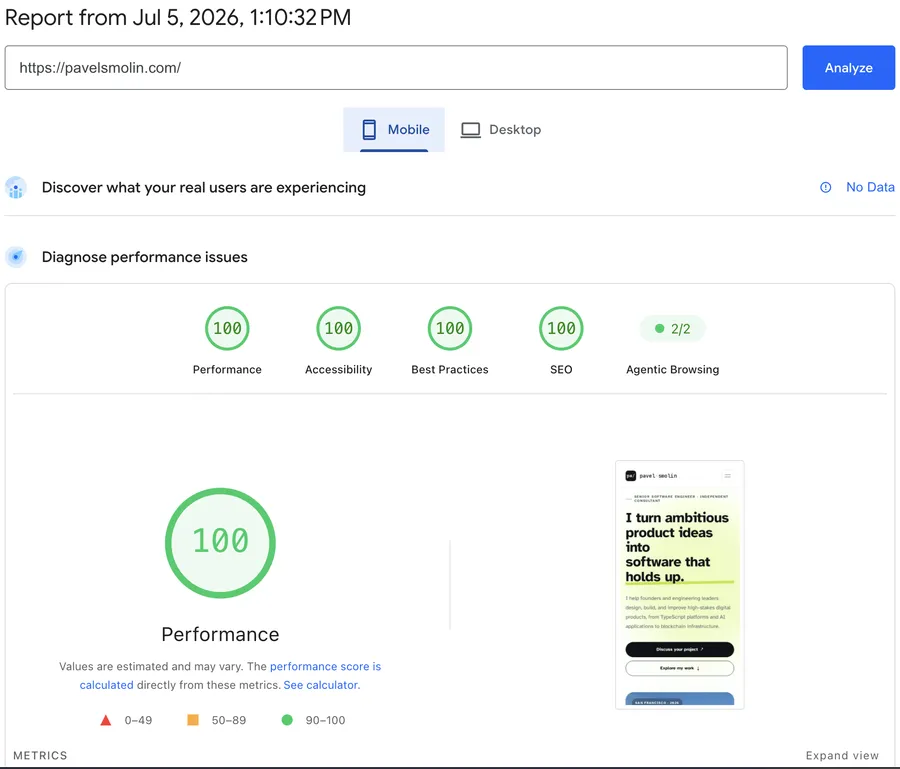
Every one of these fixes traces back to something concrete: a real file, a real byte count, a real setting in a real dashboard. None of it required more than a few lines changed at a time. That is the actual takeaway: perfect scores are not a mystery, they are a short, specific checklist, applied in order of actual impact.
If you are setting up something similar and want a second pair of eyes on it, get in touch.